Gadget Guides
Quick answer: For most AI-assisted content work, prioritize enough RAM, a modern efficient processor, a good display, battery life and the ports you actually use. An NPU matters for supported on-device AI features, while a discrete GPU matters more for heavy 3D, video and local model workloads.
Key takeaways
- 16 GB of RAM is a sensible floor for many modern AI-assisted multitasking workflows; heavier creative work may benefit from more.
- An NPU accelerates supported local AI workloads but does not replace CPU, GPU or cloud AI services.
- A color-accurate display and practical port selection can matter more to creators than benchmark peaks.
- Buy for the software you use and its requirements, not an ‘AI PC’ label alone.
Start with the workload, not the processor badge
A writer using browser-based AI tools has very different needs from a video editor running local effects or a developer experimenting with local models. List the applications you use, the size of your projects and whether compute happens locally or in the cloud.
Microsoft’s current laptop buying guidance separates general multitasking, creator and AI-oriented use cases because memory, graphics and display priorities vary by workload.
RAM: leave room for real multitasking
Modern browsers, collaboration tools, design applications and local AI utilities can run simultaneously. Microsoft recommends 16 GB+ for AI-oriented PC use and notes that creators may need around 16 GB or more depending on the workload.
If memory is soldered and cannot be upgraded, buying additional headroom can extend the useful life of the laptop. Heavy video editing, virtual machines and larger local models can justify 32 GB or more.
NPU versus GPU: different jobs
An NPU is a specialized accelerator for machine-learning workloads, often designed for efficient on-device inference. Microsoft’s Copilot+ PC guidance specifies an NPU capable of 40+ TOPS for certain Windows AI experiences.
A discrete GPU remains important for workloads such as 3D rendering, high-end video effects and many local AI frameworks. Some users need both; others may benefit more from battery life and integrated graphics.
Storage, display and ports
A fast SSD improves project loading and local media workflows. Capacity should reflect how much video, image and project data you keep locally. For visual work, evaluate resolution, brightness, color coverage and factory calibration rather than resolution alone.
Port selection deserves attention. If you plan to use external displays, cameras, fast storage or docks, verify the exact USB-C, USB4, Thunderbolt, HDMI and card-reader capabilities instead of assuming every Type-C connector supports the same functions.
A balanced creator specification
A practical general-purpose creator machine often combines a modern processor, at least 16 GB RAM, enough SSD space for active projects, a quality display and reliable USB-C charging. Add a stronger GPU when your software explicitly benefits from it.
Battery benchmarks vary with brightness and workload, so compare independent tests for the exact configuration you plan to buy. Thin design, high performance and long battery life often involve trade-offs.
Related reading
Frequently asked questions
Do I need an NPU to use ChatGPT or other cloud AI tools?
No. Cloud AI runs primarily on provider infrastructure. An NPU is relevant for supported AI features that execute locally on the PC.
Is 8 GB RAM enough in 2026?
It can handle light tasks, but 16 GB provides more headroom for modern multitasking and AI-assisted workflows, especially on non-upgradable laptops.
Do content creators need a discrete GPU?
Not always. Writers, marketers and light photo editors may be well served by integrated graphics. Heavy video, 3D and some local AI workloads benefit more from a discrete GPU.
Sources and further reading
- Microsoft — PC and Laptop Buying Guide
- Microsoft Learn — Copilot+ PCs developer guide
- Intel — Windows ML Support
Editorial note: This is a research-based specification guide, not a hands-on review of a particular laptop. Always check the requirements of your own software and the exact configuration being sold.
Continue exploring: Before the upgrade: a smarter gadget checklist and our editorial standards.
Keep exploring Gadget Guides
 Gadget Guides
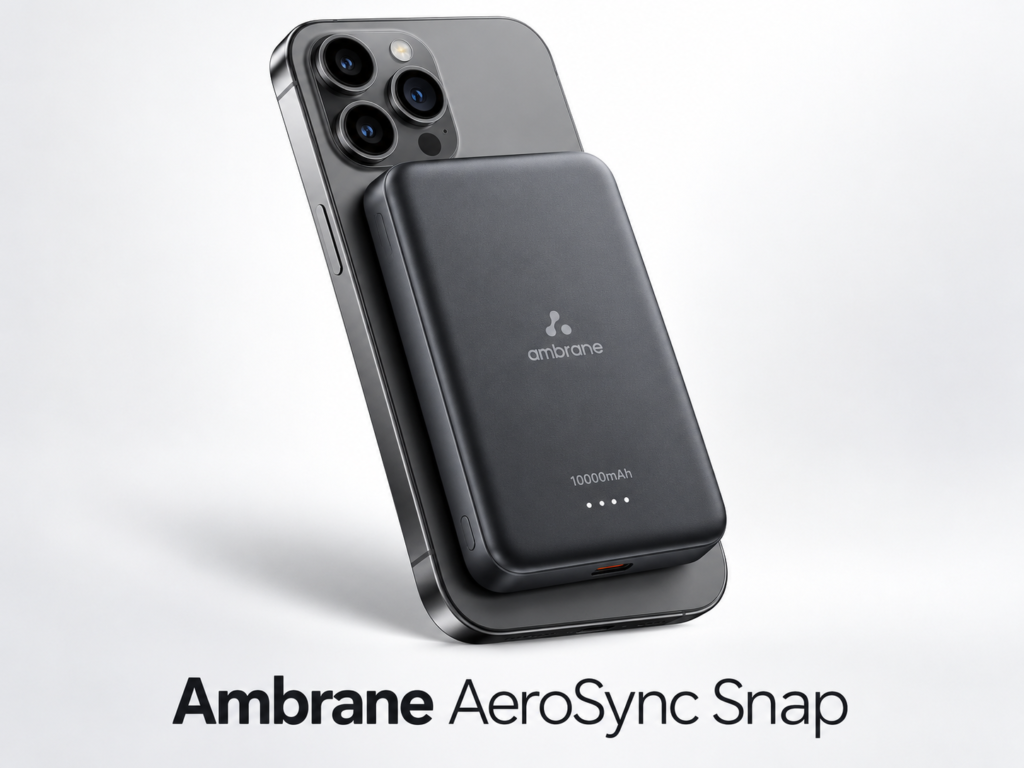
Best Magnetic Power Banks in 2026: 3 Practical Picks
Compare three 10,000mAh magnetic power banks for charging speed, portability and everyday use, with direct Amazon product links and buying advice.
 Gadget Guides
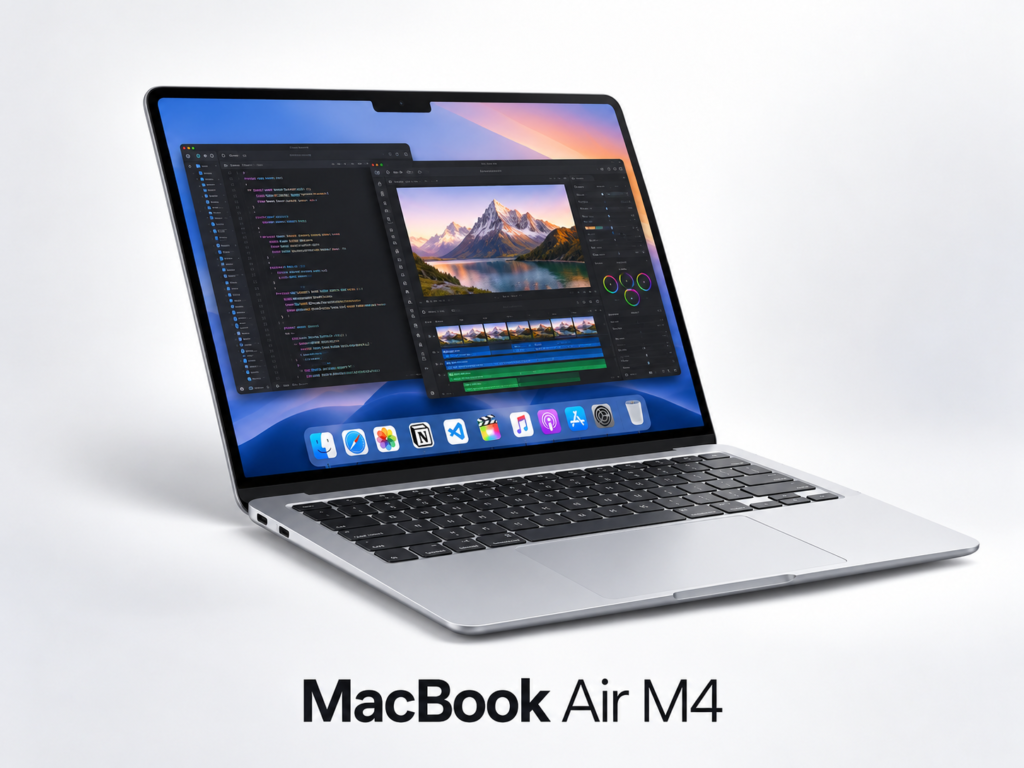
MacBook Air M4 for AI & Coding: Is 16GB Enough?
A practical MacBook Air M4 buying guide for AI-assisted work, coding and content creation, with direct Amazon links and accessory recommendations.