Gadget Guides
A gadget upgrade is only useful when it solves a real problem without creating new compatibility problems. This checklist is designed for laptops, chargers, power banks, docks, routers and other everyday technology where marketing claims can make the decision look simpler than it is.
1. Define the problem before the product
Write down the exact limitation you are trying to fix: battery life, port count, wireless reliability, display support, performance, portability or something else. If you cannot name the problem, a newer specification may not create a meaningful improvement.
2. Check the system around the product
Compatibility often depends on the entire chain, not a single device. A high-speed USB-C dock still depends on the laptop port, cable, display and power supply. A faster charger depends on the phone’s supported charging protocol and cable. A new router depends on client devices and local network conditions.
Our USB-C hubs and docks guide shows how this chain can create bottlenecks.
3. Separate connector shape from capability
A connector tells you how something plugs in; it does not guarantee the supported protocol or speed. USB-C is the classic example: identical-looking ports can differ in data speed, display output, charging and Thunderbolt/USB4 support.
4. Check power in both directions
For chargers, docks and power banks, look at input and output separately. A battery may support fast output but recharge slowly. A dock may advertise 100W pass-through while reserving some power for itself. A charger with multiple ports may reduce power per port when several devices are connected.
For portable batteries, see How to Choose a Power Bank.
5. Translate headline specs into your use case
Ask which specification will actually remove your bottleneck. More RAM matters when your workload is memory-constrained; a faster wireless standard matters when compatible clients and network conditions can use it; a higher-watt charger matters only if the device accepts the relevant charging profile.
6. Check regional and travel constraints
Plug type, warranty, service availability, wireless regulations and airline battery rules vary by region. A product sold in one market may have a different charger, certification, bundled cable or warranty process in another.
7. Calculate total cost, not sticker price
Include adapters, cables, replacement power supplies, storage upgrades, subscriptions, cases or other required accessories. A cheaper device that needs several extras can cost more than a higher-priced option that already fits the system.
8. Look for failure points before features
For every product, ask what is most likely to disappoint you. With a dock it might be display compatibility. With a power bank it may be airline limits or recharge time. With a laptop it may be non-upgradeable memory. With a router it may be client-device compatibility rather than headline throughput.
9. Treat marketplace reviews as signals, not proof
User reviews can reveal recurring complaints, but they are not controlled tests and may mix product revisions, seller experiences and different use cases. Look for repeated patterns, then verify the underlying specification or limitation independently where possible.
10. Decide what evidence you need
Some decisions can be made from official specifications. Others need real-world testing. If battery life, thermals, noise, display quality or physical comfort matters, a specification sheet cannot fully answer the question. A research-based guide should say when that uncertainty remains.
11. Check the return and warranty path
Compatibility-heavy products are safer to buy when return terms are clear. Verify the seller, warranty region, return window and what evidence is required if the product is defective or incompatible.
12. Use a skip rule
Define one reason you would not buy the product. Examples: “skip if it cannot drive two external displays from my laptop,” “skip if it lacks PPS charging,” or “skip if memory cannot be upgraded.” A skip rule keeps a purchase decision tied to your actual requirement.
Quick pre-purchase worksheet
- Problem I am solving: ______
- Must-have compatibility: ______
- Minimum performance/power: ______
- Hidden extra cost: ______
- Main failure risk: ______
- Return/warranty checked: Yes / No
- My skip rule: ______
Bottom line
A better buying decision comes from understanding the system around the gadget, not from choosing the longest feature list. Compatibility, bottlenecks and failure points usually matter more than one headline number.
Our gadget coverage is research-based unless an article explicitly describes hands-on testing. See our research methodology.
Keep exploring Gadget Guides
 Gadget Guides
Best Magnetic Power Banks in 2026: 3 Practical Picks
Compare three 10,000mAh magnetic power banks for charging speed, portability and everyday use, with direct Amazon product links and buying advice.
 Gadget Guides
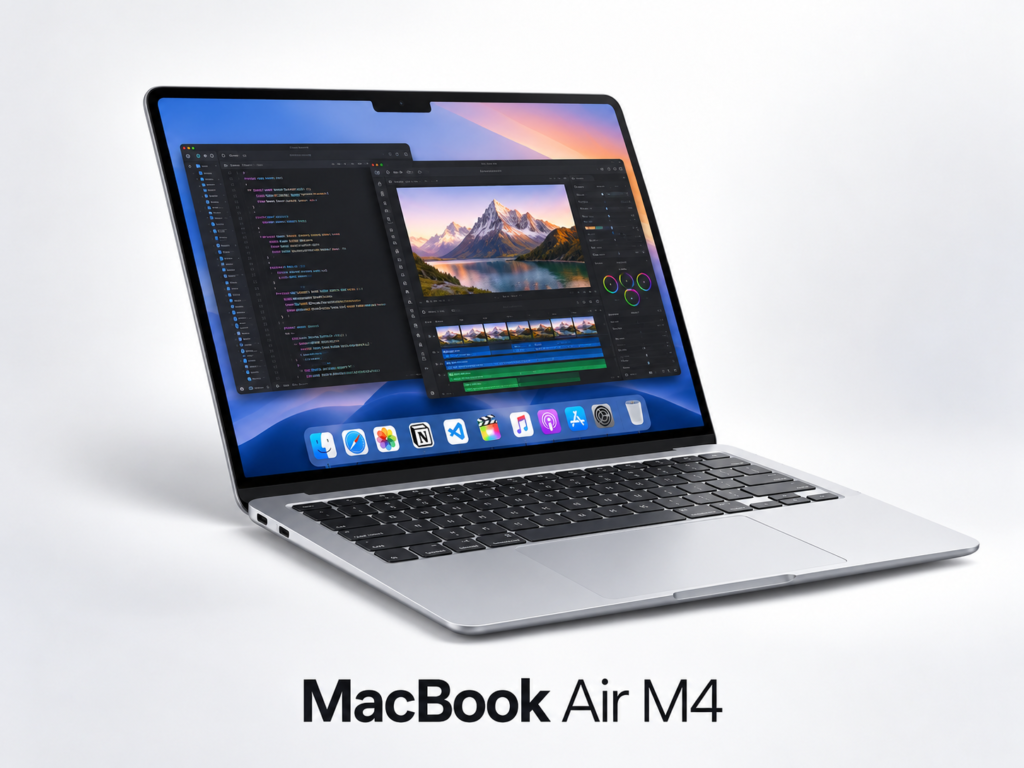
MacBook Air M4 for AI & Coding: Is 16GB Enough?
A practical MacBook Air M4 buying guide for AI-assisted work, coding and content creation, with direct Amazon links and accessory recommendations.