Gadget Guides
Quick answer: A USB-C connector does not tell you the full capability of a hub or laptop port. Check the supported USB data rate, DisplayPort Alt Mode or USB4/Thunderbolt capability, Power Delivery wattage and display limits on both the host and dock.
Key takeaways
- USB-C describes a connector; it does not guarantee USB4, high-speed data, video or a specific charging wattage.
- Display output over USB-C commonly relies on DisplayPort Alt Mode or tunneling through USB4/Thunderbolt.
- A dock shares available bandwidth among displays, storage, networking and other peripherals.
- Power Delivery pass-through is limited by the charger, dock overhead and the laptop’s supported input.
Why USB-C is confusing
Two ports can look identical and support very different functions. USB-IF explicitly warns that USB Type-C is not the same thing as USB 3.2, USB4 or USB Power Delivery. Manufacturers choose which protocols a product supports.
That means the connector shape should never be your only buying criterion. Check the laptop’s port specification and the hub or dock specification together.
Hub versus dock: focus on capabilities
In everyday retail language, ‘hub’ and ‘dock’ are often used loosely. VESA notes a more technical distinction: USB-only hubs do not implement alternate modes, while products adding display capabilities are commonly treated as docks.
For buyers, the useful question is what the product actually supports: video outputs, Ethernet speed, card readers, USB data rates, charging and how those functions behave at the same time.
DisplayPort over USB-C
DisplayPort Alt Mode allows a compatible USB-C connection to carry video. VESA explains that DisplayPort and USB data can share the connector, and the available high-speed lanes can be allocated differently depending on the implementation.
This creates practical trade-offs. Driving high-resolution displays can consume link bandwidth that might otherwise be available for high-speed USB traffic. Display Stream Compression and newer standards can expand what is possible, but host and dock support still has to match.
Power Delivery and pass-through charging
USB Power Delivery supports negotiated power levels and, under PD 3.1, the specification can scale up to 240 W with compliant equipment. A dock advertising pass-through charging does not necessarily deliver the full wattage printed on the charger because the dock itself consumes some power.
Check the maximum upstream charging output to the laptop and whether your cable is rated appropriately. A high-wattage charger cannot force a laptop to accept more than it supports.
A dock-buying checklist
Start with the displays and peripherals you need today, then confirm the exact host-port capability. A premium dock cannot add DisplayPort Alt Mode to a laptop port that does not provide compatible video transport.
For fast external SSDs or multi-gigabit networking, pay attention to the upstream link speed and shared bandwidth. For desk setups, also consider cable length, power-button support, wake behavior and whether firmware updates are available.
- Host port: USB 3.x, USB4, Thunderbolt and video capability.
- Maximum display resolution and refresh rate for your operating system.
- USB-C PD input and laptop charging output.
- Ethernet speed and USB port data rates.
- SD/microSD reader generation if media transfer matters.
- Whether bandwidth is shared across multiple high-speed devices.
Related reading
Frequently asked questions
Does every USB-C port support an external monitor?
No. The port needs compatible video support such as DisplayPort Alt Mode, USB4 or Thunderbolt functionality.
Can a USB-C dock charge any laptop?
Only if the laptop supports charging over that connection and the dock can deliver a compatible power level.
Why does an SSD slow down when I connect multiple devices to a dock?
Many docks share one upstream link among displays, storage, networking and USB devices, so bandwidth can become the bottleneck.
Sources and further reading
- USB-IF — USB Type-C language and product guidance
- USB-IF — USB Power Delivery
- VESA — DisplayPort over USB-C
Editorial note: This is a research-based connectivity guide. Exact display, data and charging behavior depends on the laptop, operating system, dock, cable and connected peripherals.
Continue exploring: Before the upgrade: a smarter gadget checklist and our editorial standards.
Keep exploring Gadget Guides
 Gadget Guides
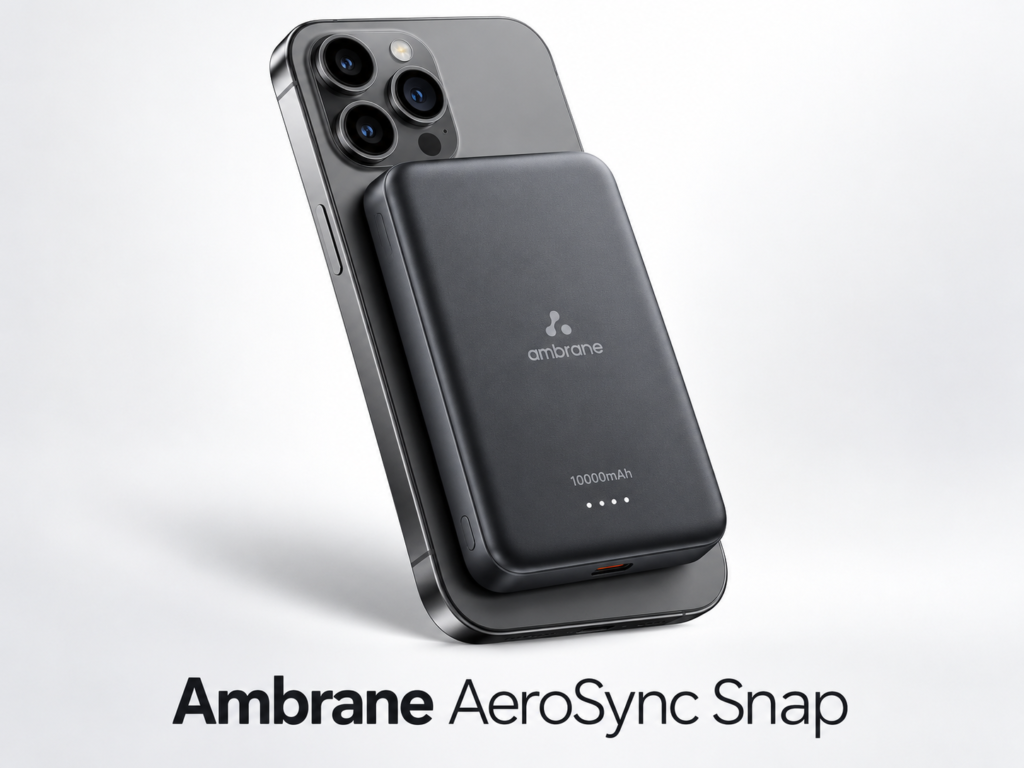
Best Magnetic Power Banks in 2026: 3 Practical Picks
Compare three 10,000mAh magnetic power banks for charging speed, portability and everyday use, with direct Amazon product links and buying advice.
 Gadget Guides
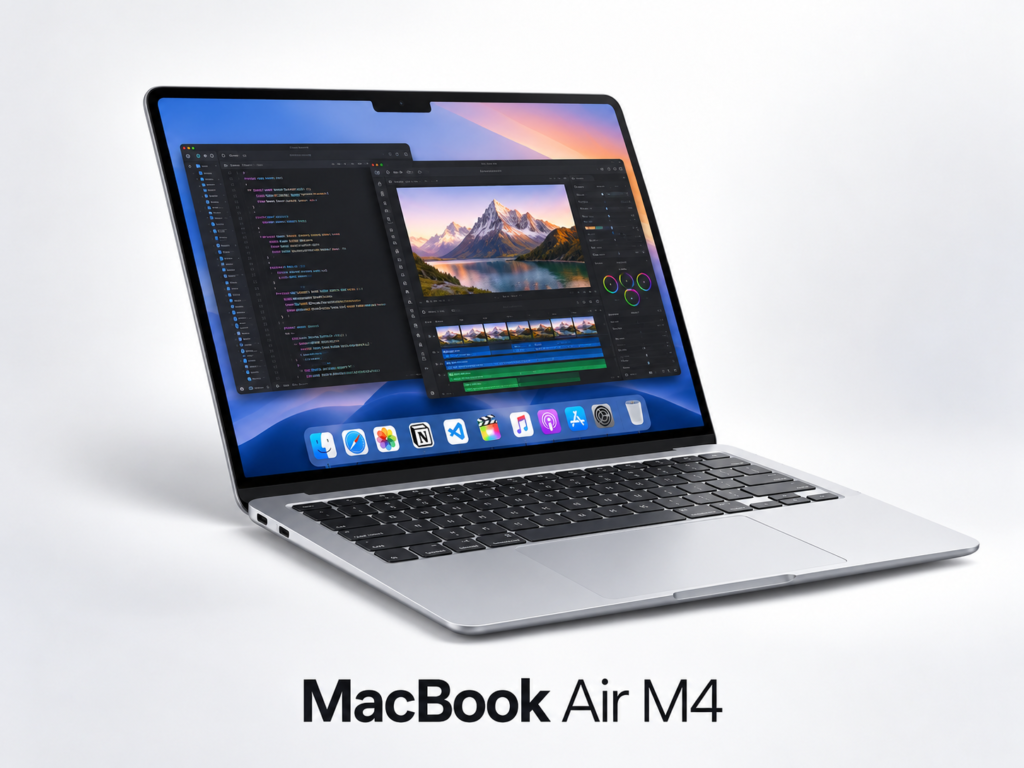
MacBook Air M4 for AI & Coding: Is 16GB Enough?
A practical MacBook Air M4 buying guide for AI-assisted work, coding and content creation, with direct Amazon links and accessory recommendations.