Gadget Guides
Quick answer: Samsung’s Galaxy Tab S12 series, including the Galaxy Tab S12 Ultra and Tab S12+, is a premium Android tablet line focused on productivity, creative work and Galaxy AI. Samsung combines large displays, S Pen support, high-end performance and AI-assisted workflows in a thin design.
Key takeaways
- The Tab S12 line targets productivity and creative users rather than basic tablet buyers.
- Galaxy AI is integrated into workflows for writing, organization, research and assistance.
- The S Pen remains a major differentiator for note-taking, drawing and precise editing.
- The Ultra model is best suited to users who value a very large canvas and desktop-style multitasking.
- Buyers should compare the Tab S12 against premium laptops as well as other tablets because pricing and accessories can push it into laptop territory.
What is the Galaxy Tab S12 series?
Samsung introduced the Galaxy Tab S12 series as its latest premium productivity tablet family. The lineup includes the Galaxy Tab S12 Ultra and Galaxy Tab S12+, both positioned as devices for work, learning, creative projects and entertainment.
The key theme is convergence. Samsung wants the tablet to act as a notebook, media device, sketchpad, productivity computer and AI assistant depending on how it is used.
Galaxy AI is now part of the tablet experience
AI features are no longer isolated add-ons in premium devices. Samsung is integrating Galaxy AI into common workflows so users can summarize, organize, write, search and transform information with fewer steps.
The most useful AI features will be those that reduce repetitive work. A student may use assistance to restructure notes. A professional may summarize documents or meetings. A creator may use AI tools during planning and editing. The value depends on whether the feature saves time without removing user control.
S Pen remains one of Samsung’s strongest advantages
The S Pen is important because it gives the Tab S12 a precise input method that works well for handwriting, annotation, sketching and fine edits. For users who regularly mark up PDFs, take handwritten notes or draw, this can be more natural than a mouse or trackpad.
A pen also creates a bridge between traditional tablet interaction and professional creative workflows. The best use cases are not gimmicks; they are tasks where precision and direct manipulation matter.
Productivity and multitasking
Large-screen tablets succeed or fail based on multitasking. Samsung has spent years improving split-screen workflows, floating windows and desktop-like experiences. On the Tab S12 family, those capabilities matter more than raw benchmark scores.
If you work with documents, browser research, messaging and notes at the same time, a large display can make a meaningful difference. The Ultra model especially makes sense for desk-based use, where the device can function more like a lightweight workstation.
Can it replace a laptop?
For some users, yes. Writers, students, consultants and creators who primarily use web apps, office tools, communication platforms and cloud services may be able to work from a premium Android tablet.
But replacement depends on software. Developers, advanced video editors, engineers and users who rely on desktop-only applications may still need a traditional laptop. Before buying, list the five programs you use most and confirm that the Android workflow is genuinely adequate.
Who should consider the Tab S12?
Students: useful for notes, reading, research and media, especially if handwriting matters.
Professionals: strong for meetings, presentations, remote work and document workflows.
Creators: attractive for illustration, photo workflows and content planning.
Entertainment users: large displays make streaming and gaming a strong use case, though cheaper tablets may offer better value if productivity is not important.
Who should skip it?
Users who mainly browse, watch video and use social apps may not need a premium tablet. A less expensive Galaxy Tab can deliver the same basic experience. Similarly, users who require desktop software should compare the total cost of the tablet, keyboard and accessories with a full laptop.
Research-based review: what we can and cannot say
This article is an editorial guide based on Samsung’s official product information and publicly available details. Vector Insight Global has not performed hands-on battery tests, display measurements or long-term durability testing on the Tab S12 series. We therefore avoid making claims that require direct testing.
VIG take
The Galaxy Tab S12 series shows how Samsung is positioning AI as part of everyday device workflows rather than a separate destination. The long-term value will depend less on how many AI features are listed and more on whether those features become reliable habits for work, learning and creativity.
FAQ
Does the Galaxy Tab S12 support the S Pen?
Samsung says the Tab S12 series includes S Pen support and positions the pen as a core productivity and creative feature.
Is Galaxy AI included?
Yes. Samsung highlights the latest Galaxy AI as a major part of the Tab S12 experience.
Is the Tab S12 a laptop replacement?
It can be for users whose workflows are well supported by Android and web apps, but users dependent on desktop-only software should be cautious.
Source
Disclosure: Independent research-based editorial guide by Vector Insight Global. Not sponsored by Samsung.
Keep exploring Gadget Guides
Gadget GuidesGadget Guides
iPhone Duo Explained: Apple’s First Foldable iPhone, A20 Pro, Siri AI and India Availability
Apple has announced the iPhone Duo, its first foldable iPhone, with a 7.6-inch inner display, A20 Pro, iOS 27 and Siri AI. Pre-orders began October 16, 2026; availability starts October 23 in India.
 Gadget Guides
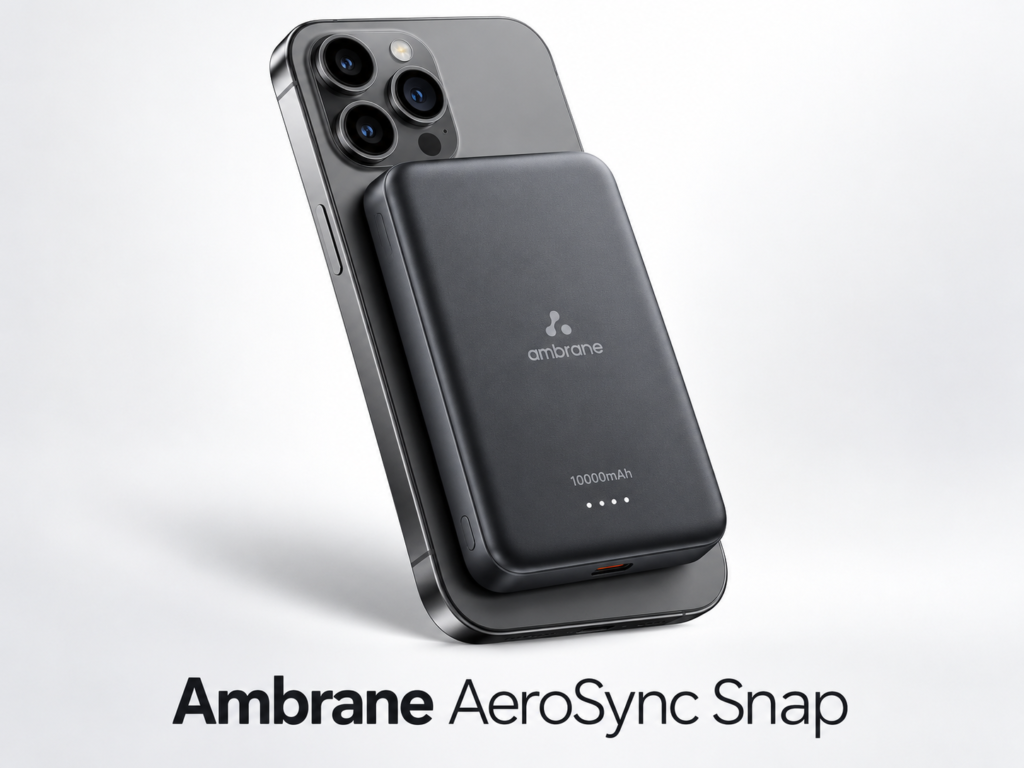
Best Magnetic Power Banks in 2026: 3 Practical Picks
Compare three 10,000mAh magnetic power banks for charging speed, portability and everyday use, with direct Amazon product links and buying advice.