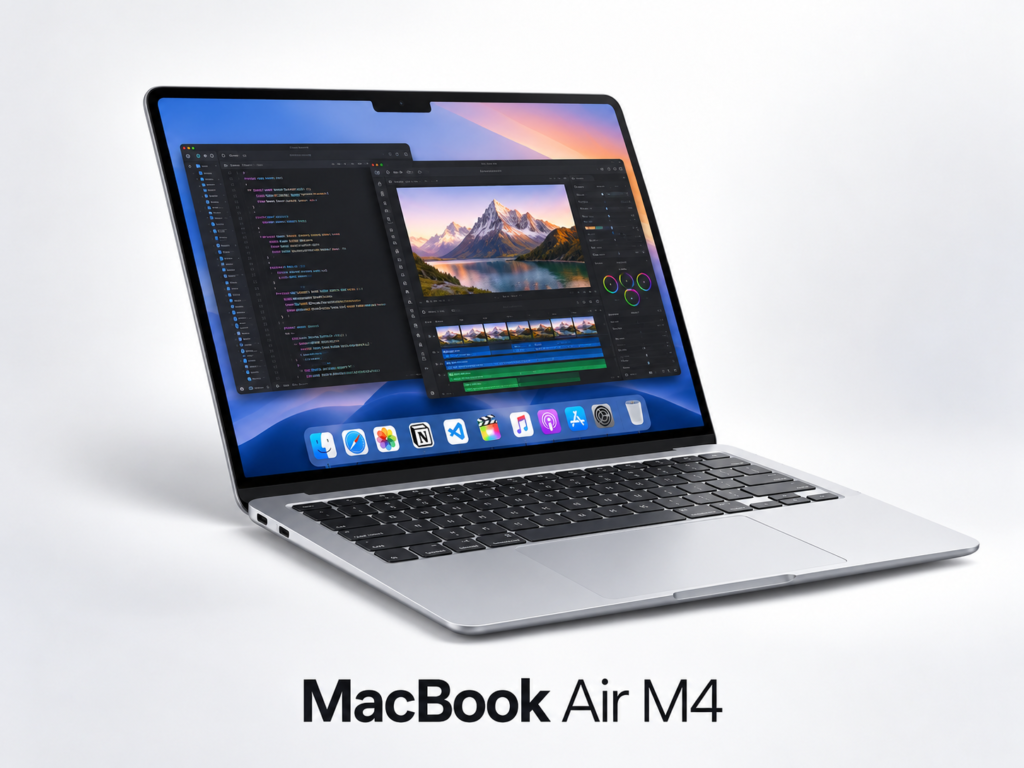
Quick answer: the 13-inch MacBook Air M4 with 16GB unified memory is a strong portable choice for coding, writing, web development, office work, light-to-moderate creative workloads and cloud-based AI tools. It is less suitable if your workflow depends on sustained heavy GPU rendering, large local AI models, complex 3D work or long exports where active cooling matters.
Disclosure: As an Amazon Associate I earn from qualifying purchases. The Amazon link on this page is a paid affiliate link. This is a research-based buying guide rather than a claim of hands-on testing.
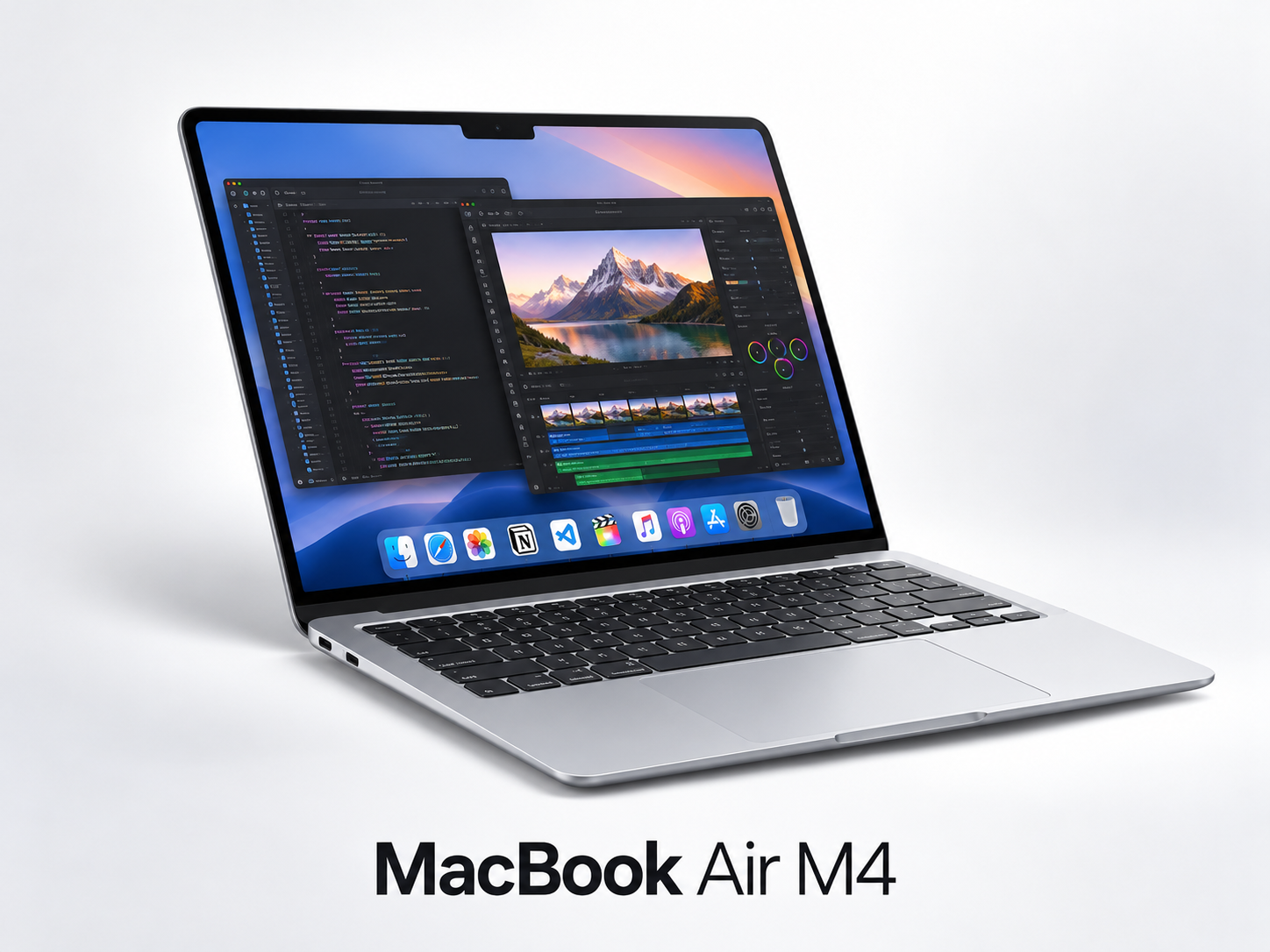
MacBook Air M4 13-inch, 16GB / 256GB
Best for: mobile developers, writers, students, bloggers, marketers and creators who value battery life, portability and quiet operation.
Why the M4 MacBook Air fits modern creator work
A creator laptop no longer needs to do every AI task locally. Many writing assistants, image tools, coding agents, SEO platforms and research tools run in the cloud. That shifts the buying decision toward CPU performance, memory, display quality, battery life, keyboard comfort, portability and reliable connectivity.
The M4 MacBook Air combines a modern Apple Silicon chip, 16GB unified memory in this configuration, a high-resolution 13.6-inch display and a light fanless design. For users who spend the day moving between browser tabs, documents, coding tools, communication apps and cloud AI services, that balance is more important than chasing the largest specification sheet.
Is 16GB unified memory enough?
For most mainstream creator workflows, 16GB is a sensible baseline in 2026. It can handle coding environments, multiple browser tabs, productivity applications, light photo work and ordinary video editing far more comfortably than an 8GB configuration.
However, memory pressure grows quickly when you run virtual machines, containers, large local datasets, professional video timelines or local AI inference. If your plan is to run larger local models, train models, edit complex multi-camera projects or keep multiple heavy professional apps open simultaneously, buying more memory at the start is safer because Mac memory is not user-upgradeable later.
What the M4 is good at
- Web and app development: strong single-core performance, efficient build workflows and a Unix-based development environment.
- AI-assisted coding: well suited to browser-based and IDE-integrated coding agents where the model runs in the cloud.
- Writing and publishing: long battery life and a high-quality display make it attractive for research, blogging and editorial work.
- Light-to-moderate video editing: Apple Silicon handles common creator codecs efficiently, especially when projects are not extremely complex.
- Remote work: portability, webcam, microphones and quiet operation are useful for meetings and mobile work.
Where the MacBook Air is not the best fit
The Air uses a fanless design. That is excellent for silence and portability, but sustained heavy workloads can behave differently from a MacBook Pro or workstation with active cooling. If your work involves repeated long renders, demanding 3D scenes, GPU-heavy scientific workloads or very large local AI models, a higher-end machine may provide better sustained performance.
256GB or 512GB storage?
256GB can work if most of your files live in cloud storage and your local project library is small. For developers, photographers and video creators, 512GB is much easier to live with because development tools, caches, media libraries and local project files can consume space quickly.
If the budget forces a choice between more memory and more storage, memory often deserves priority because external storage can be added later while unified memory cannot.
Ports: plan for a hub
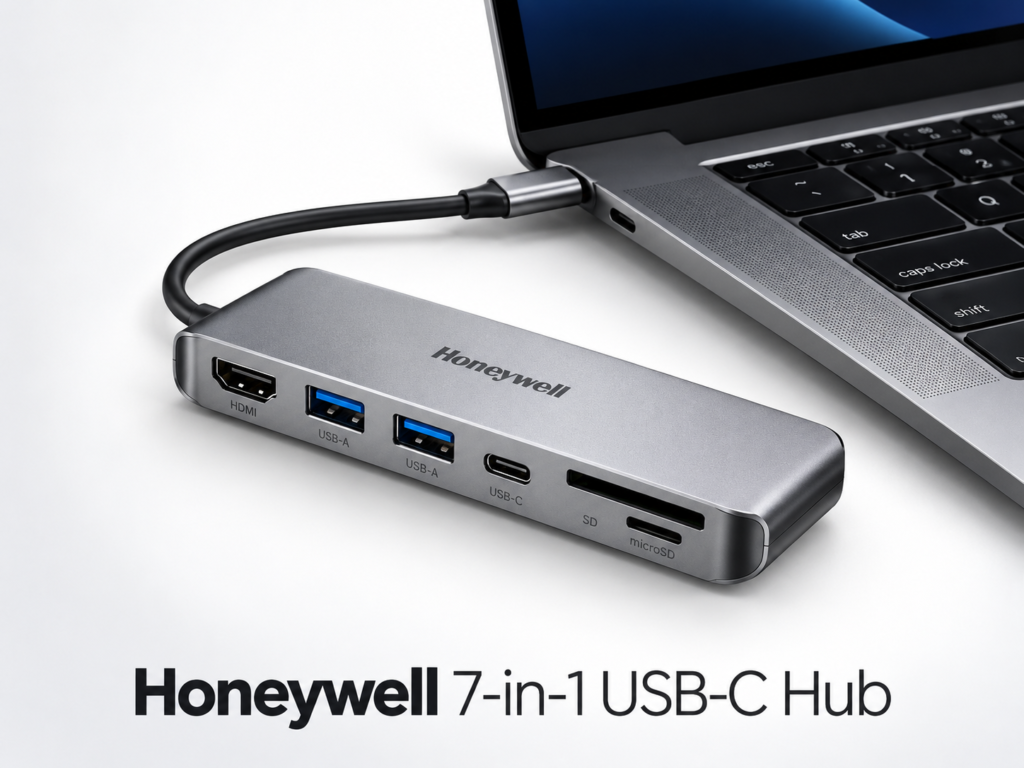
The 13-inch MacBook Air M4 includes Thunderbolt/USB-C connectivity, but many creators still need HDMI, SD card, USB-A or multiple peripheral ports. A compact USB-C hub can therefore become part of the real purchase cost.
One practical accessory to compare is the Honeywell 7-in-1 Type-C Docking Station, which combines HDMI, USB ports, card-reader support and USB-C power delivery in one adapter.
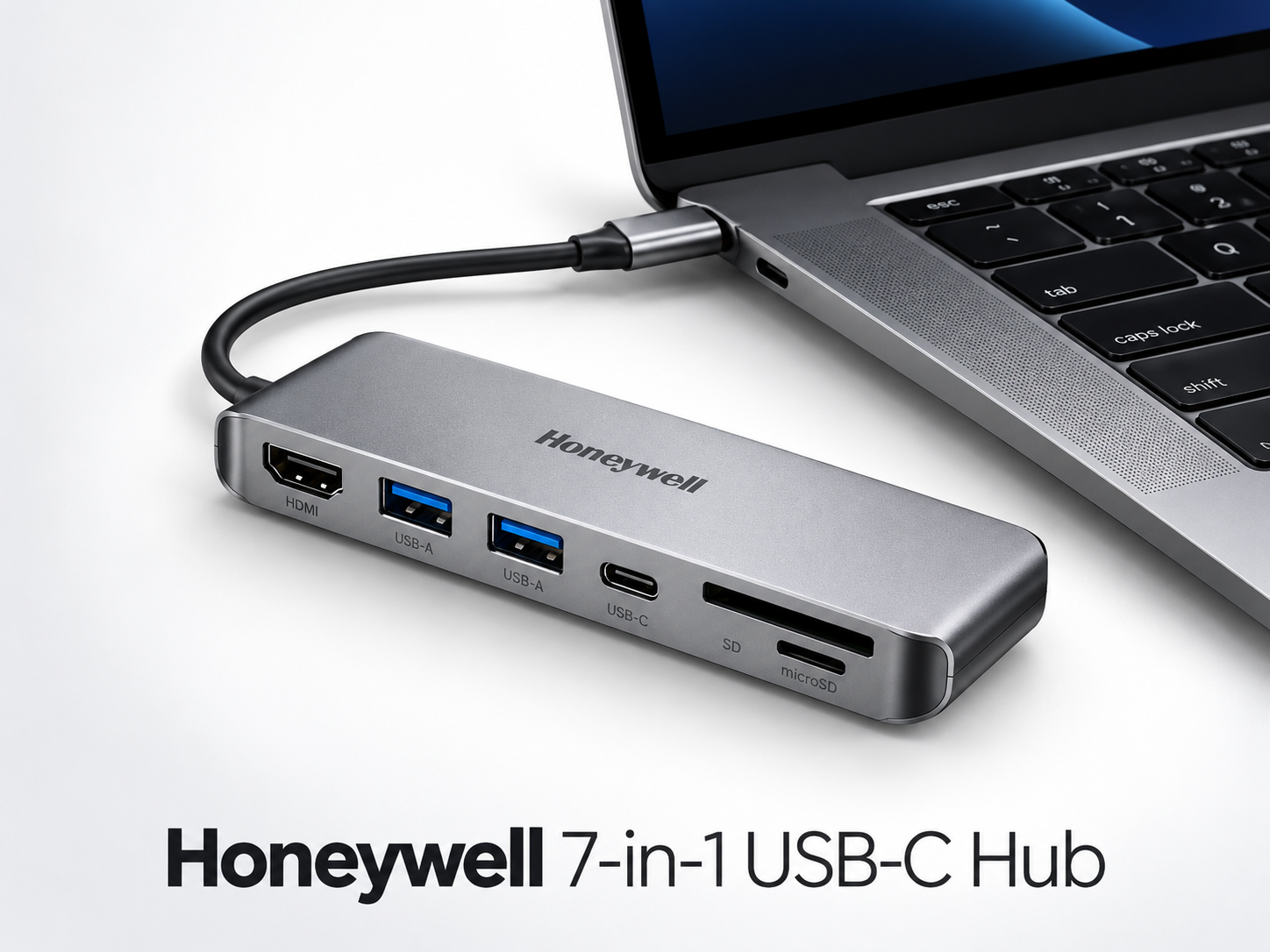
Accessory pick: Honeywell 7-in-1 Type-C Docking Station
MacBook Air M4 for AI workflows
There are two very different meanings of “AI laptop.” The first is using AI applications: ChatGPT-style tools, coding agents, image generators, transcription services and browser-based assistants. The MacBook Air is well suited to this because much of the heavy model compute happens remotely.
The second meaning is running models locally. Apple Silicon can run local models, especially smaller or quantized ones, but model size is constrained by available unified memory. If local inference is a serious priority, choose memory based on the exact models you expect to run instead of buying on the assumption that every “AI” workload will fit 16GB.
For more context, read our Small Language Models vs LLMs guide.
Who should buy it?
- Developers who want a lightweight Unix-based laptop.
- Bloggers and marketers working in browsers, documents and cloud platforms.
- Students who want long useful battery life and portability.
- Creators doing moderate photo/video work rather than sustained workstation-class rendering.
- People already using iPhone or other Apple devices who value ecosystem integration.
Who should skip it?
- Users who need NVIDIA CUDA workflows.
- Heavy 3D creators or advanced GPU rendering users.
- People who require internal storage upgrades later.
- Users who need many built-in legacy ports and do not want a hub.
- Buyers planning large local AI models without choosing enough unified memory.
Buying checklist
- Decide whether 16GB memory matches your heaviest real workload.
- Estimate how much local storage you need for projects and caches.
- Budget for a USB-C hub if you use HDMI, SD cards or USB-A accessories.
- Check the current seller, warranty, exchange and return terms.
- Compare the current Amazon price with the higher-memory or higher-storage variants before ordering.
Bottom line
For portable coding, publishing, cloud AI and mainstream creator work, the M4 MacBook Air with 16GB unified memory is a very strong balance of performance, battery efficiency and portability. It becomes less compelling when your workload needs sustained heavy GPU performance, large local models or workstation-level expandability.
Check MacBook Air M4 availability on Amazon ↗
Amazon affiliate disclosure: As an Amazon Associate I earn from qualifying purchases. Buying through our links does not increase the price you pay.
Keep exploring Gadget Guides
 Gadget Guides
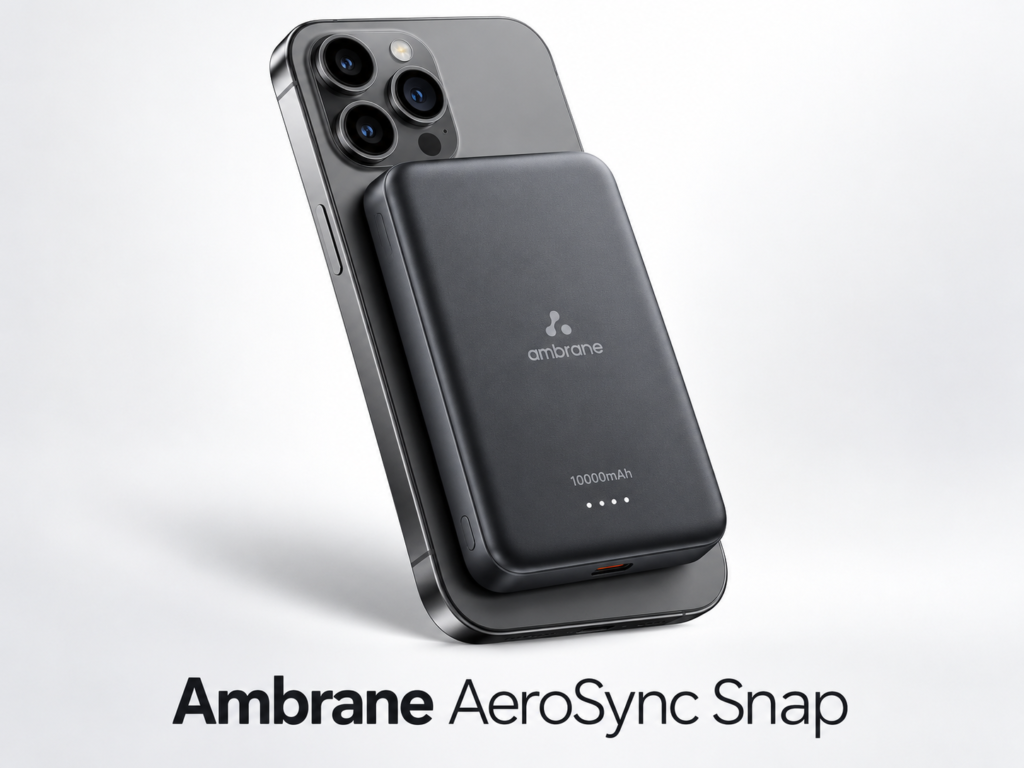
Best Magnetic Power Banks in 2026: 3 Practical Picks
Compare three 10,000mAh magnetic power banks for charging speed, portability and everyday use, with direct Amazon product links and buying advice.
 Gadget Guides
Best 7-in-1 USB-C Hub for MacBook & Windows (2026)
A practical 7-in-1 USB-C hub guide covering HDMI, USB-A, card readers and power delivery, with a direct Amazon product link and compatibility checklist.